



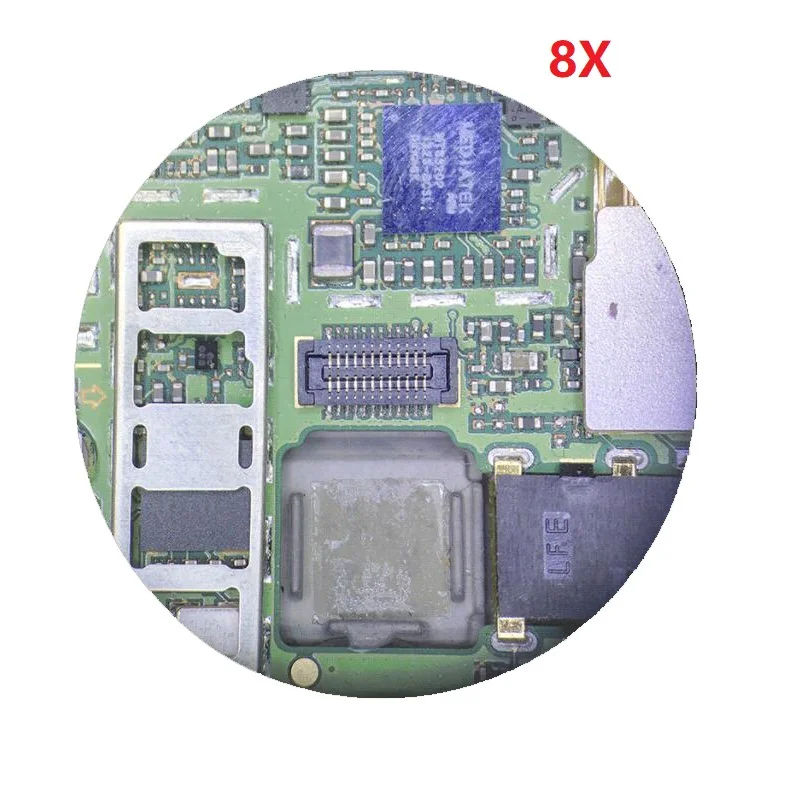
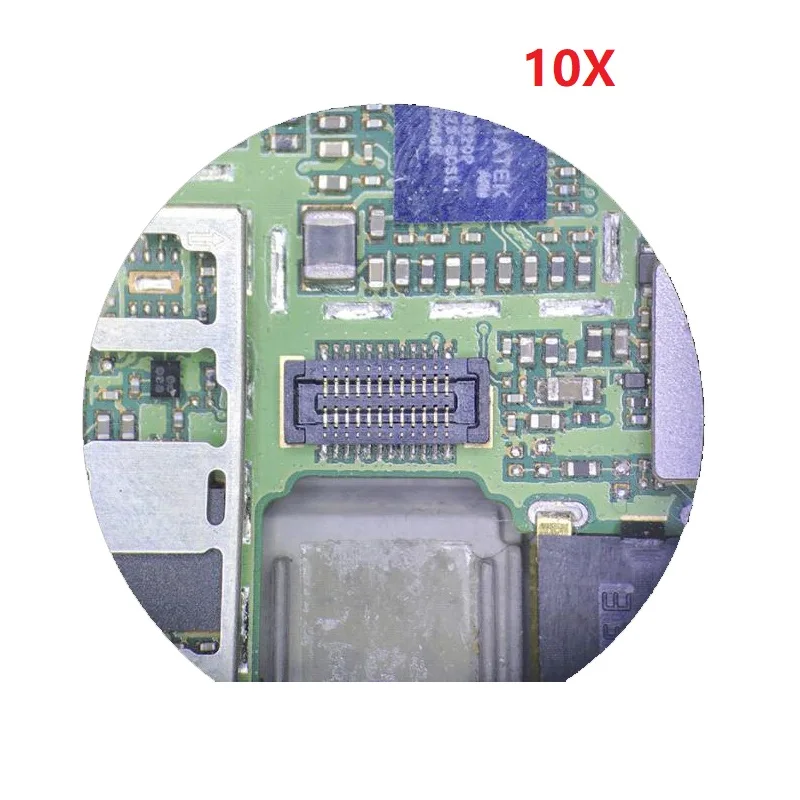
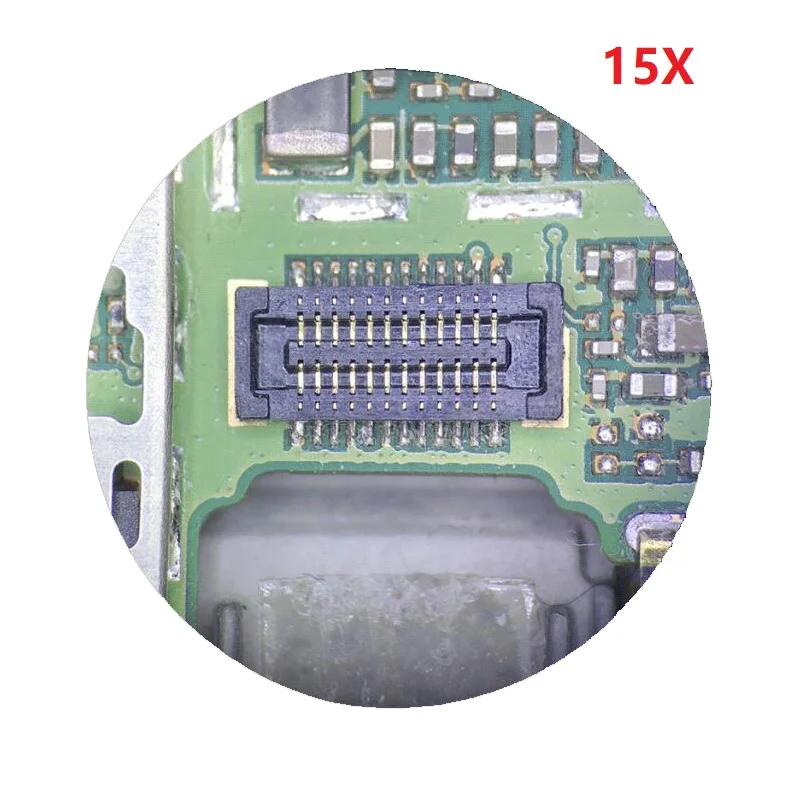
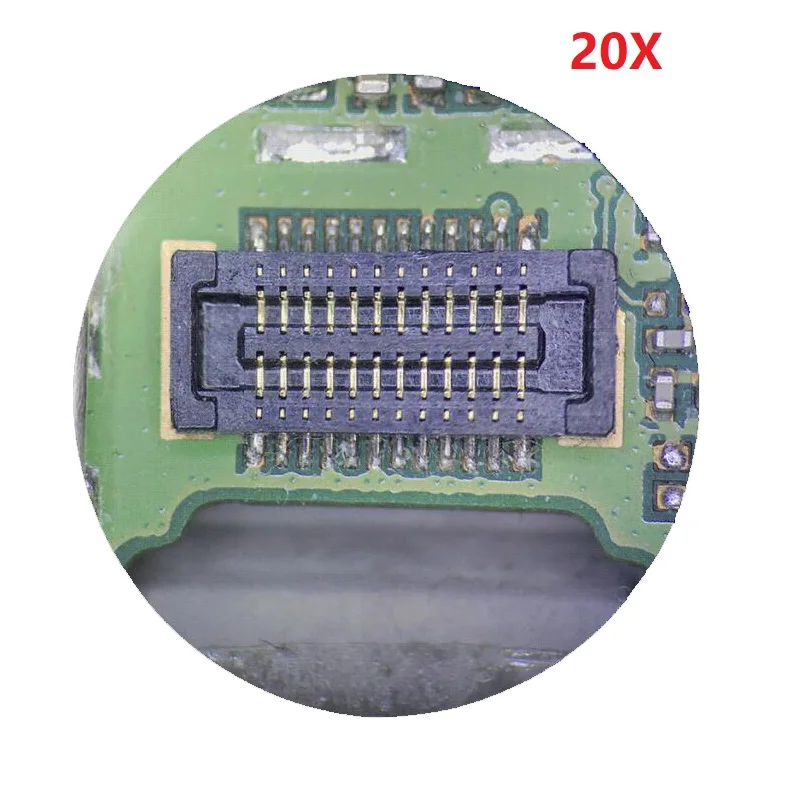
3.5X-90X Extremely Large Zoom Magnification Power
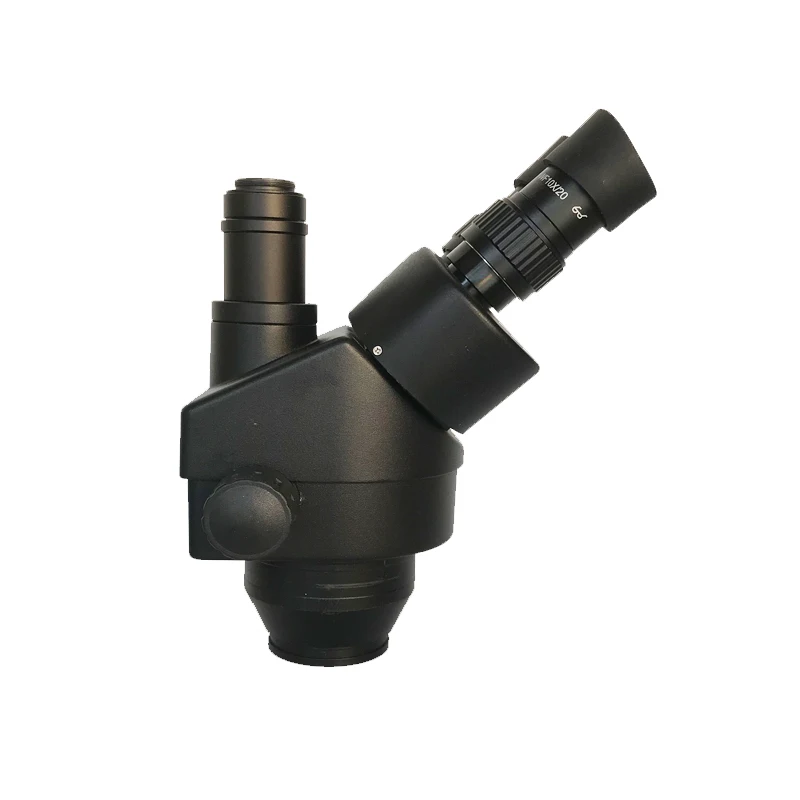
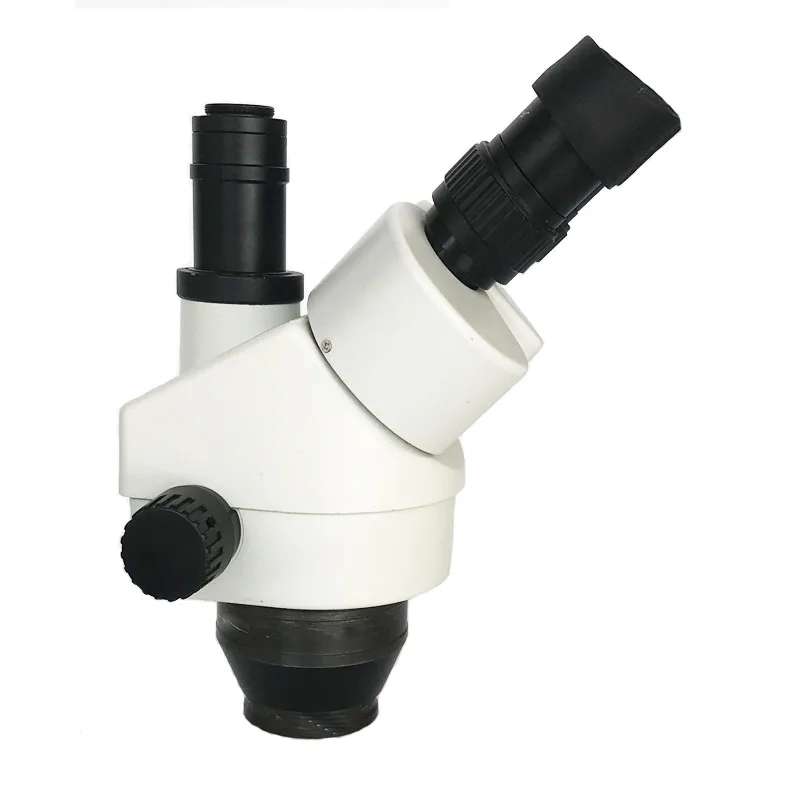
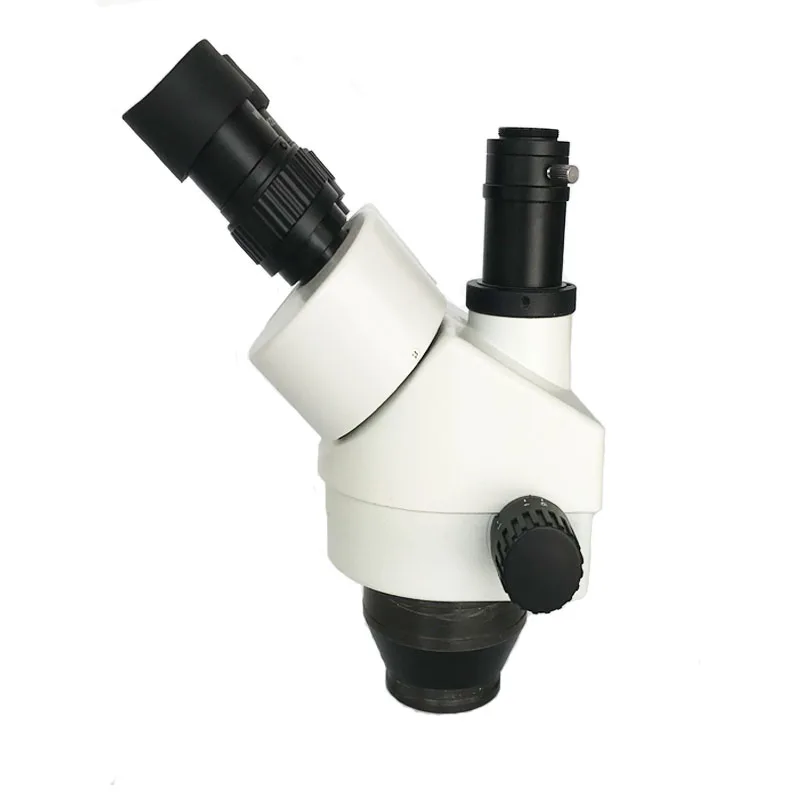
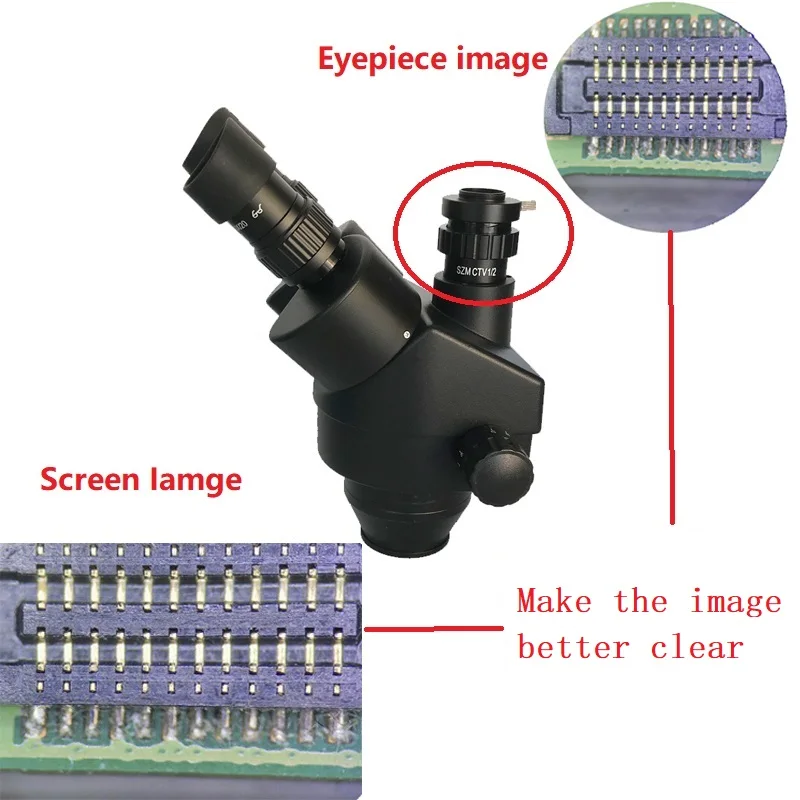
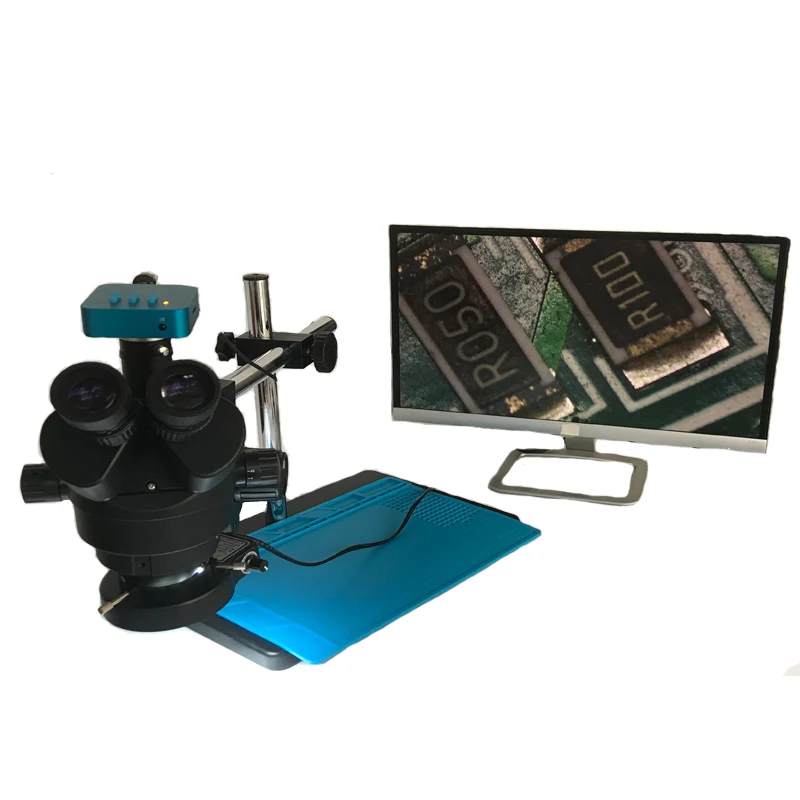
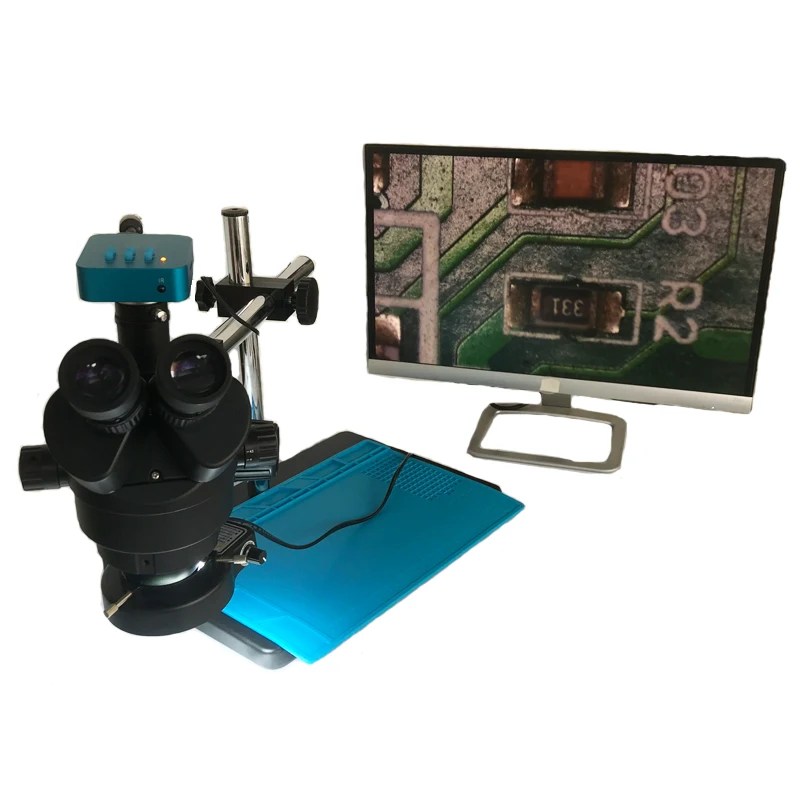
Trinocular Design for High Quality Photo, USB PC and CCD Video Imaging
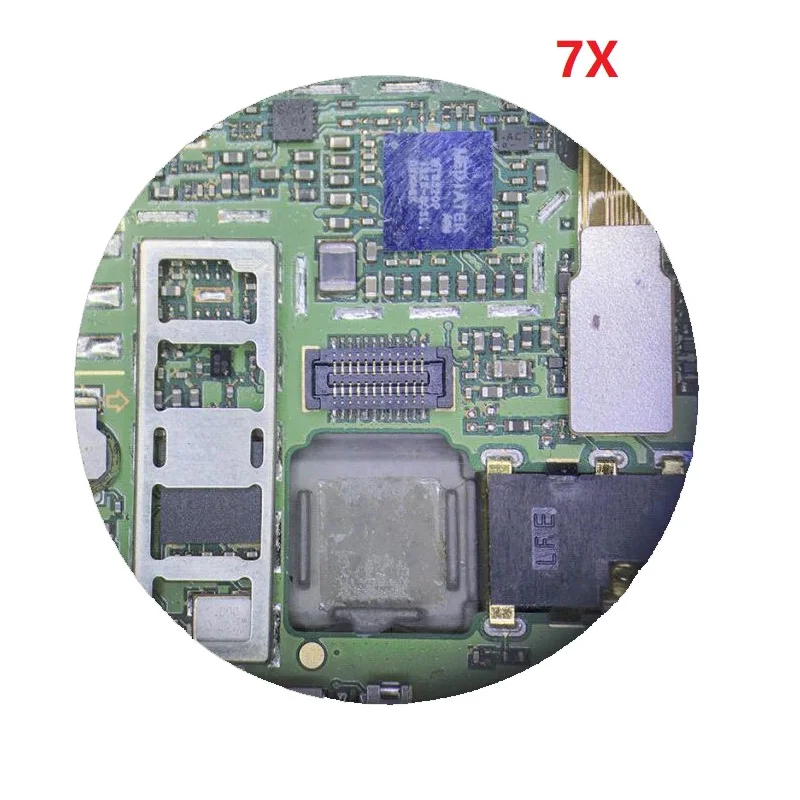
Erect Stereo Sharp Images Over a SUPER Widefield of View
Accurate Alignment Ensuring Fatigue-Free Long Time Viewing
Crystal Clear Original True Color Images
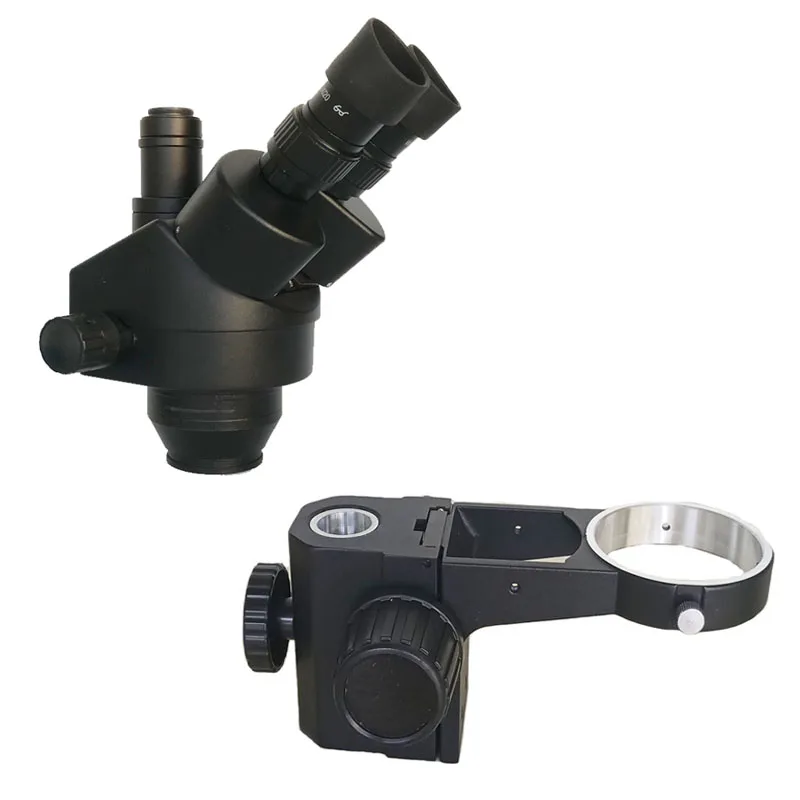
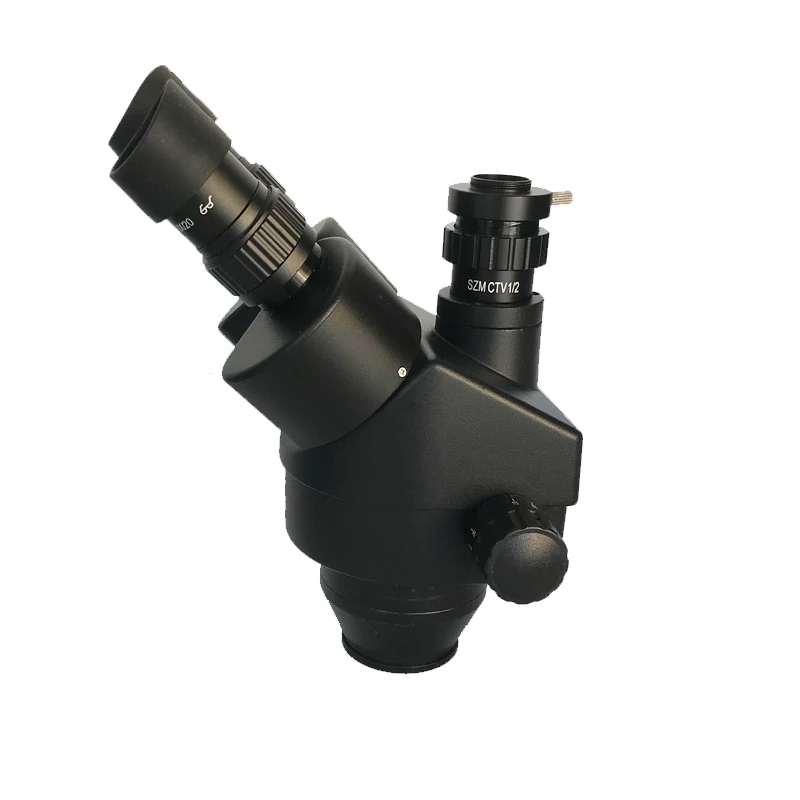
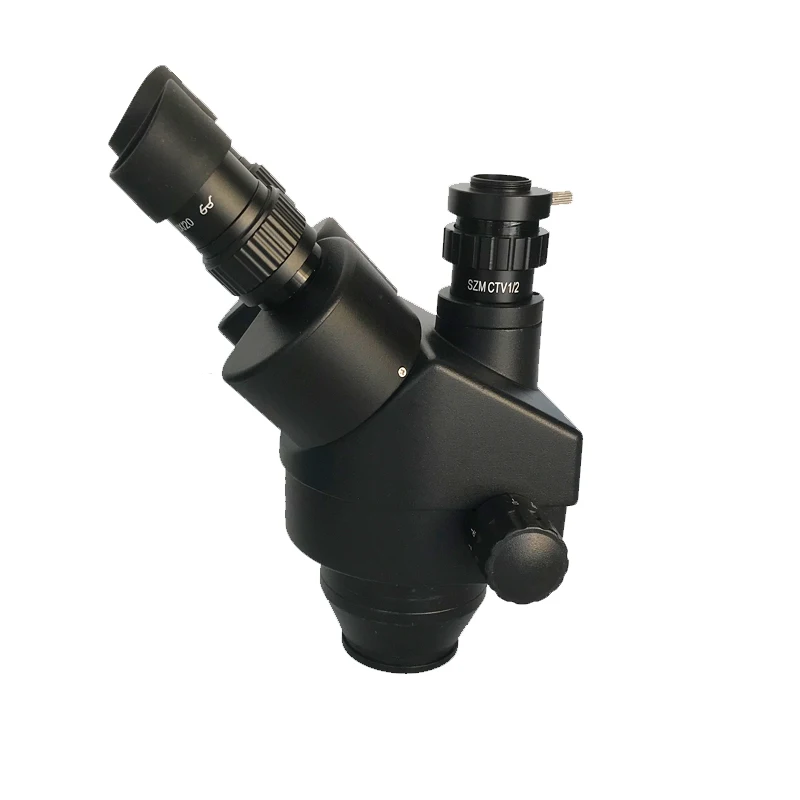
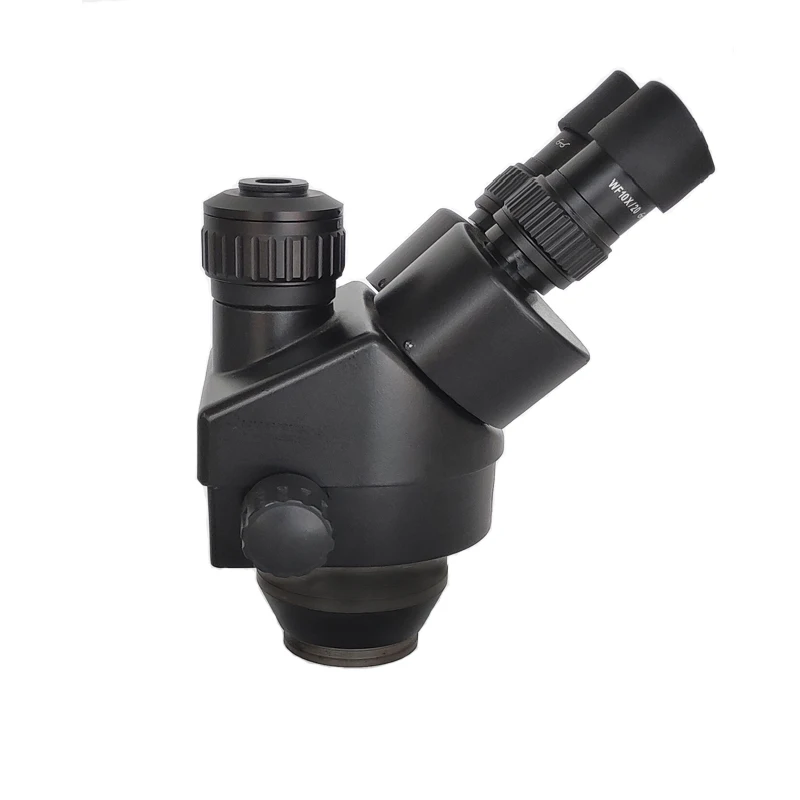
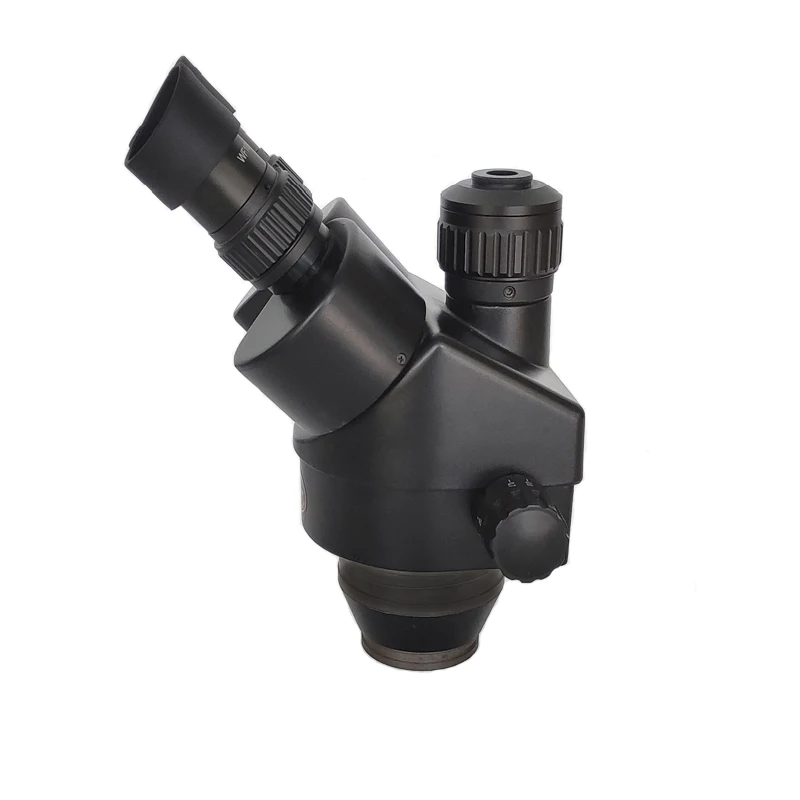
45 Inclined Trinocular Head with SUPER Widefield High-Eyepoint Eyepieces
30mm SUPER Widefield Eyepieces (see the difference in the above picture)
Both Ocular-Tubes with Adjustable Diopter
Adjustable Interpupillary Distance
Full Optical Glass Elements
Precise Ground Glass Lenses
4" (100mm) Extremely Large Working Distance
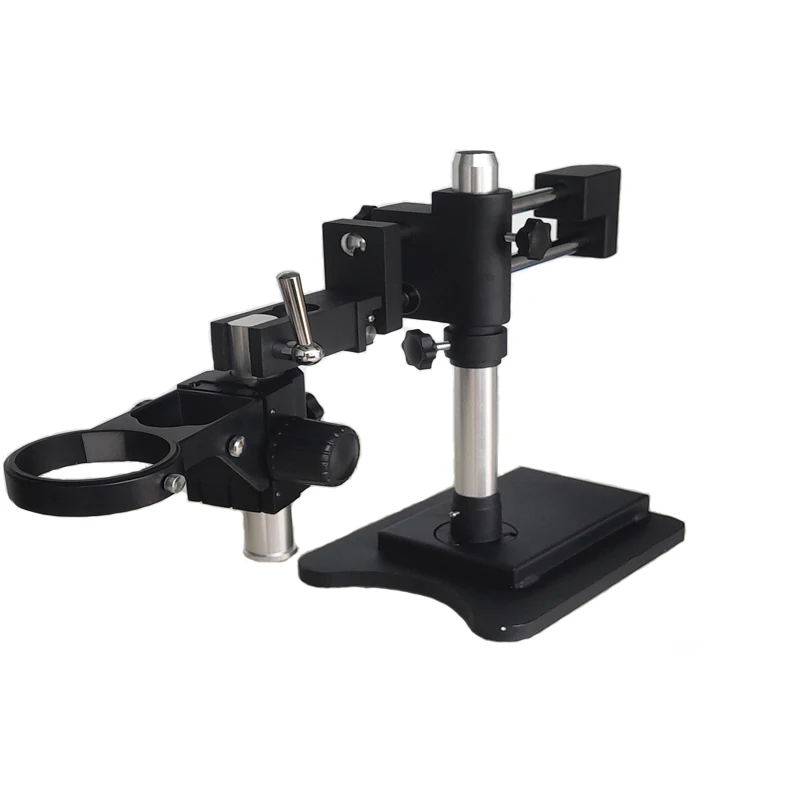
Versatile Boom Stand Covering Large Working Area
Double-Arm Design for 3-Degree Freedom
Able to Place Microscope Head Toward to Any Direction
Heavy-Duty Cast Steel Stand Finished with Stain Resistant Enamel
Rugged Solid Cast Steel Base
30mm SUPER Widefield Eyepieces Included
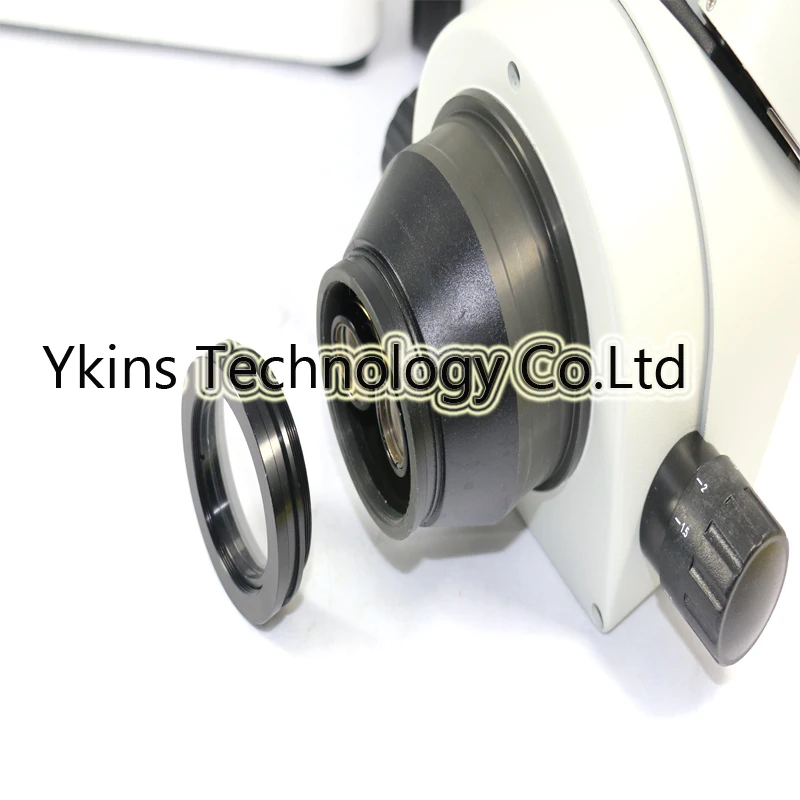
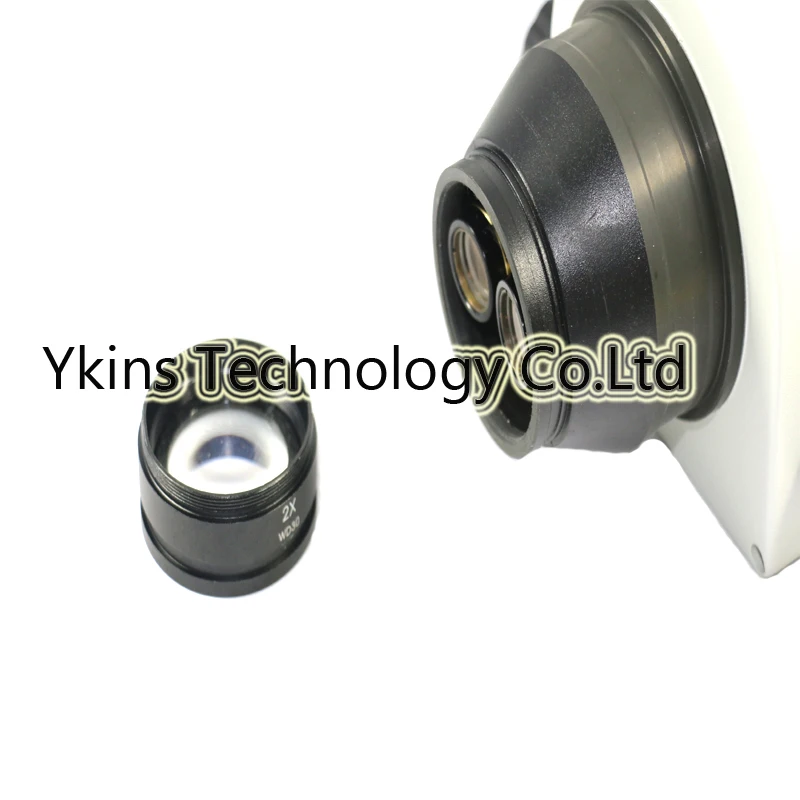
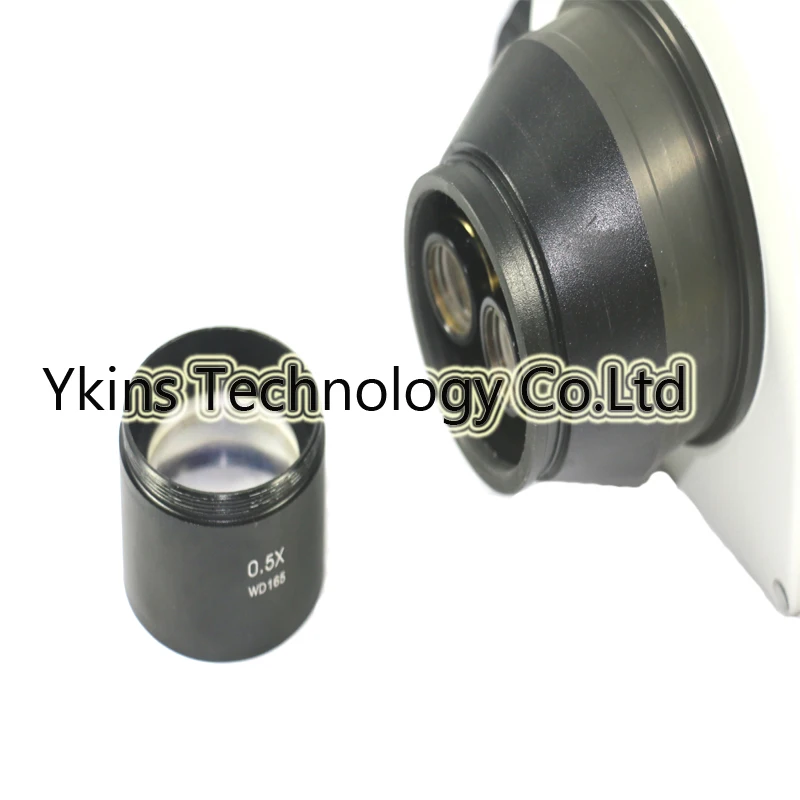
165mm and 30mm working distance auxiliary objective
Head: 45 inclined 360 swiveling trinocular
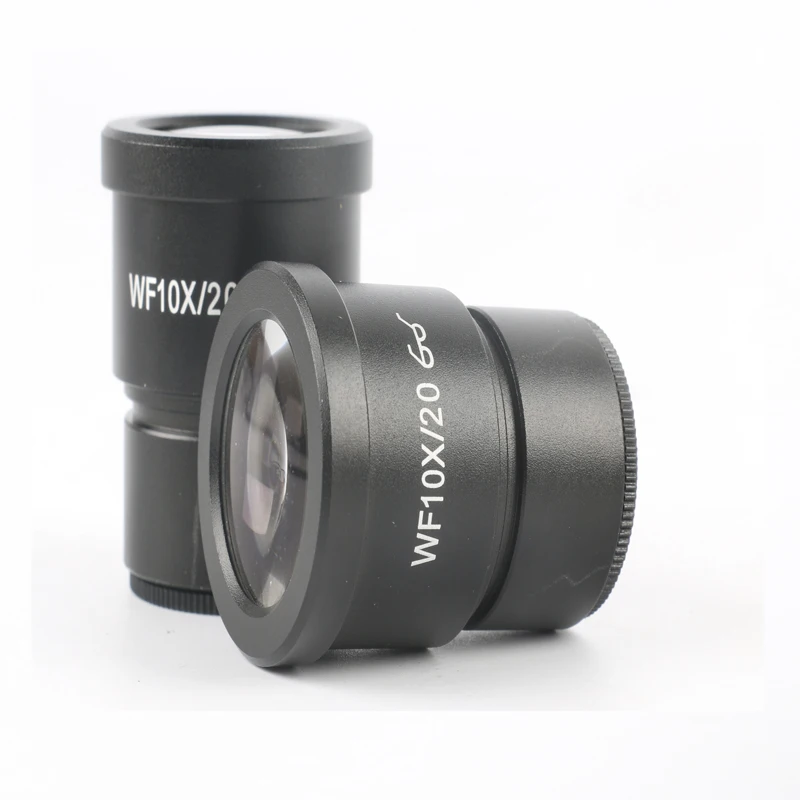
Eyepiece: 30mm super widefield high-eyepoint WF10X/20mm
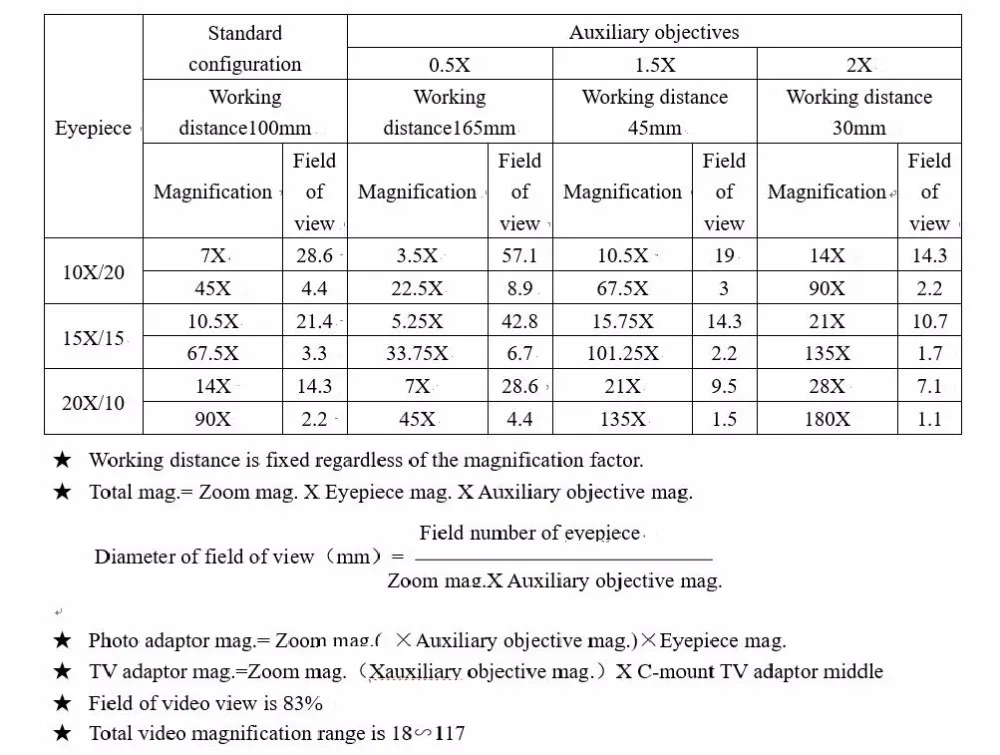
Objective: 0.35-9.0X
Auxiliary objective :SZM0.5X & SZM2.0X
Zoom Range: 6.4:1
Diopter Adjustment: 5dp
Interpupillary Distance: 2-3/16" - 2-15/16"(55-75mm)
Field of View: 2-1/2" (65mm) in diameter
Working Distance: 4" (100mm)
Boom Stand: 20" double-arm (overall length: 30"), 17" high pillar, 10-1/4"x8-1/4"x2-0" solid cast steel base
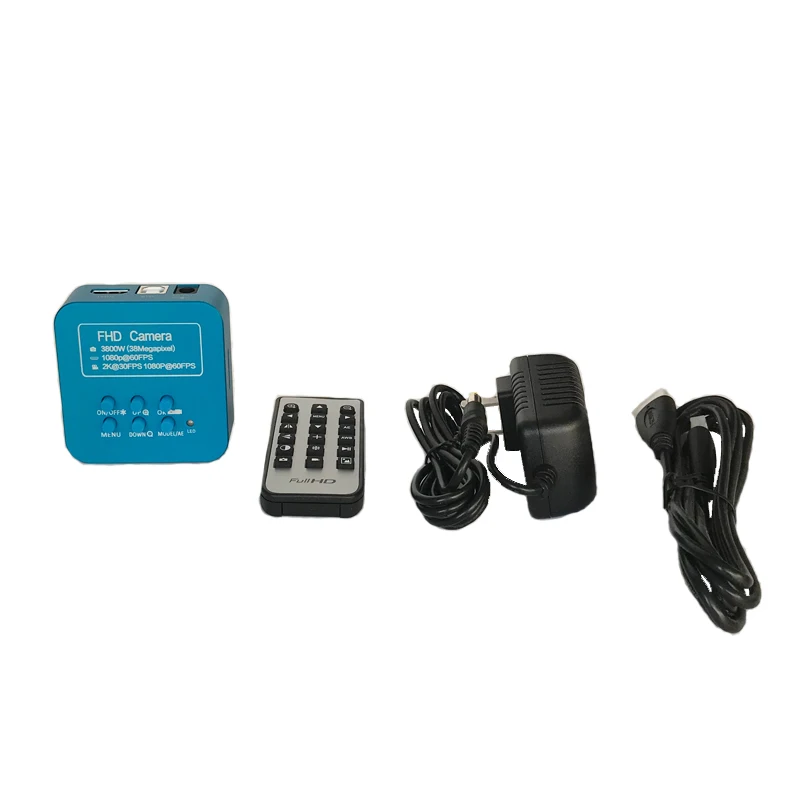
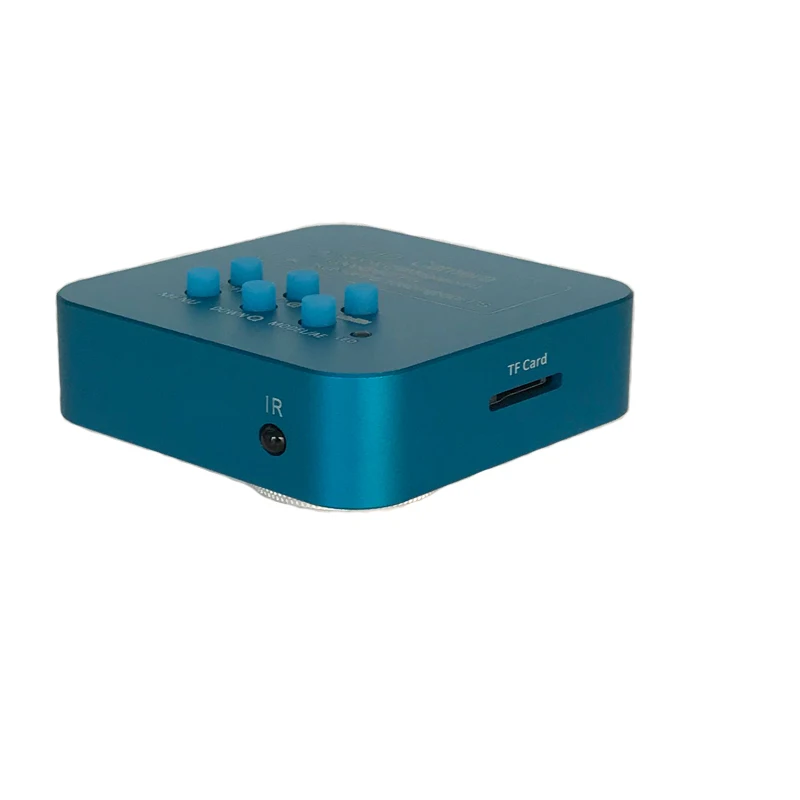
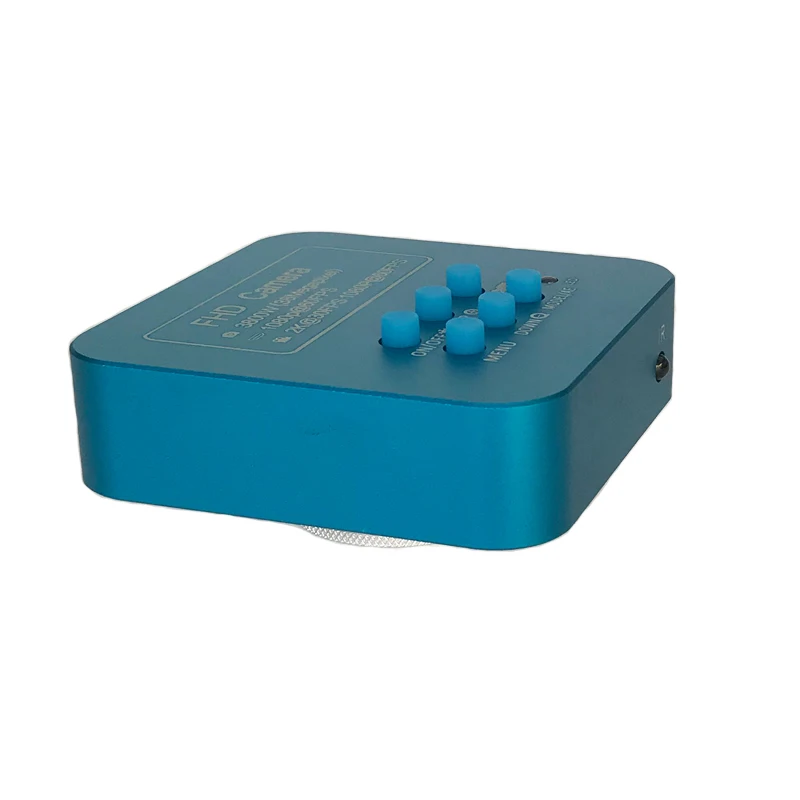
POWER/MODE:
This camera is plug-in to power on, long press the button for 3 seconds
to power off, then short press for 1 second to power on. Power on
success if you hear ticking with red indicator light on. After power on,
short press for 1 second to change to video mode, press one more
second to change to picture/video playback mode, one more press
back to camera mode.
MENU:
Short press the button for 1 second and enter menu setting page. Use
UP/DOWN button to select related funtions and press OK button to
enter submenu.
a) Chinese/English language settings: use UP/DOWN button to select
and press OK button to confirm;
b) Grid line settings: press UP/DOWN to select line and press OK button to enter, press UP/DOWN to open/close 10 grid lines rulers, to open/close 8 grid lines, every line’s direction, position, color or width, then press OK to change the line’s direction, position, color or width. Press MENU button again to return to upper level menu;
c) Exposure setting: press UP/DOWN to select auto/manual exposure mode, then press OK to confirm;
d) EV settings: under auto exposure mode, enter to select +-0.3/0.7/1.0/1.3/1.7/2.0 exposure value as needed;
e) White balance settings: can select auto, manual or one-button-calibration mode after entering, there might be color deviation if you change the light, then you can put a white paper and select one-button-calibration to calibrate the color. You can also adjust the red and green value manually for special use;
f) Color setting: can select colorful or white/black mode as needed;
g) Light frequency settings: can select 50Hz/60Hz as needed;
h) Acutance settings: options for strength/standard/soft;
i) Contrast settings: high/middle/low options as needed;
j) Video size: 3 options for 2K24fps/1080P60fps/720P60fps can be used as needed;
k) Mirror function: vertical/horizonal mirror functions in option;
l) Format: it can be used for new card or even defected card before taking photos in memory;
m) Regain default settings: regain all your settings to original default settings;
n) System information: it’s original software version, repress MENU button to exit;
OK/CAPTURE/RECORD:
Under camera mode, short press OK button to take a photo; under video
mode, short press to start or stop recording; under MENU mode, it’s
confirm button, for line’s open/close and vertical/horizonal change,
position adjust, and also line color/width change.
UP/+: under camera mode, short press this button to increase EV.
DOWN/-: under camera mode, short press this button to decrease EV.
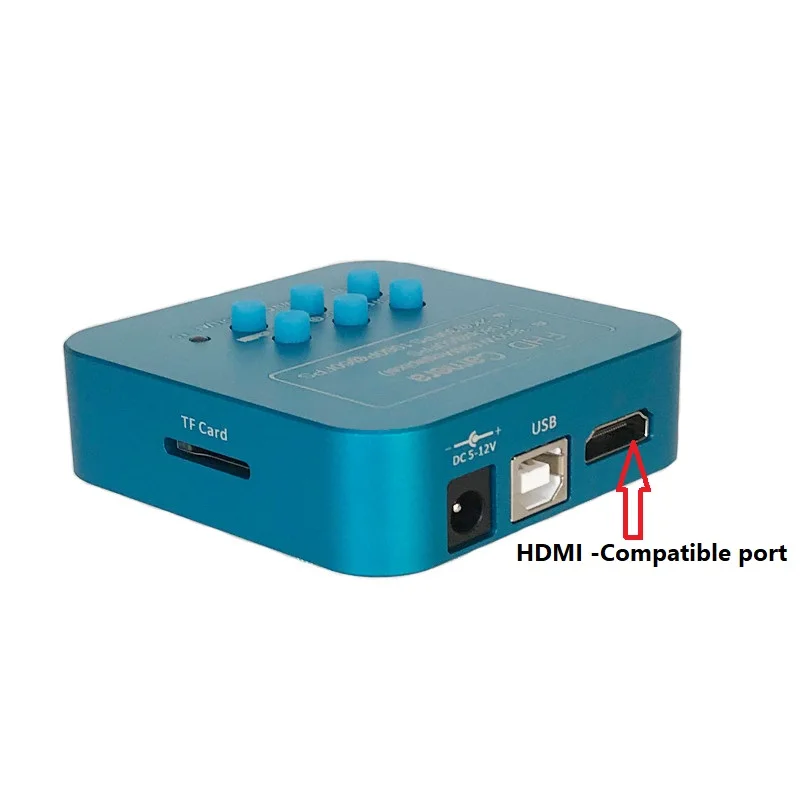
HDMI-Compatible Interface: connect camera to a monitor with HDMI-Compatible interface,
please use 16:9 wide monitor.
USB/PC Interface:
1. connect the camera to your computer with USB cable, then power on,
if a SD card available in camera, then you will enter U disk mode and can prereview the pictures/videos from camera SD card or copy to your computer.
2. If no SD card in camera, you will enter PC-CAM mode to view pictures from your computer directly, and no driver needed here.
Note: DC/12V interface is for camera with 5V-12V/1A input power adapter, and unsuited adapters can’t be used, otherwise the camera will be burned broken then
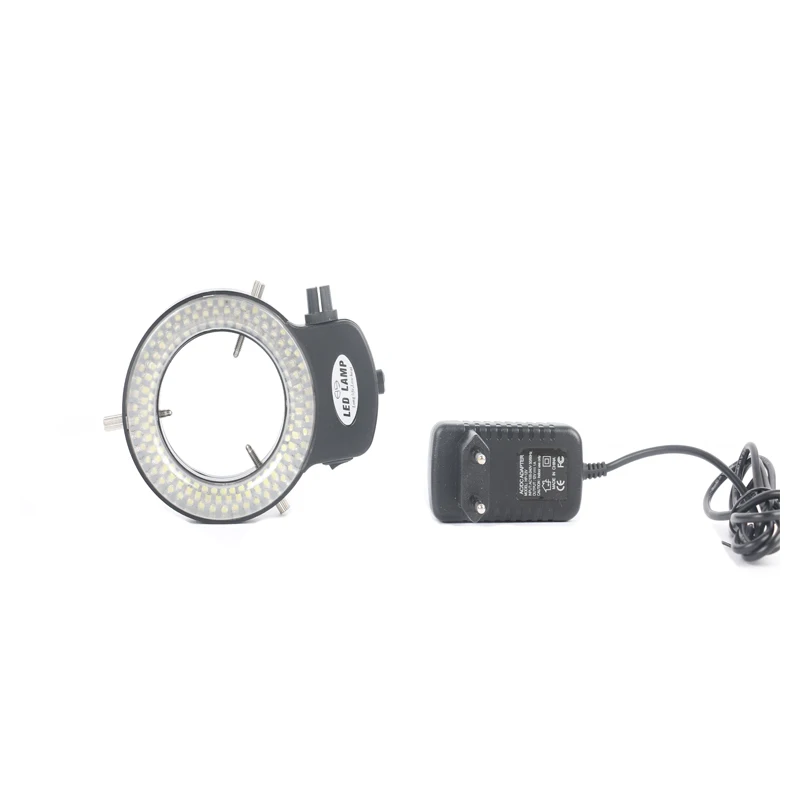
144 bright white LED bulbs
100,000 hours of life
Intense and focused shadow-free illumination
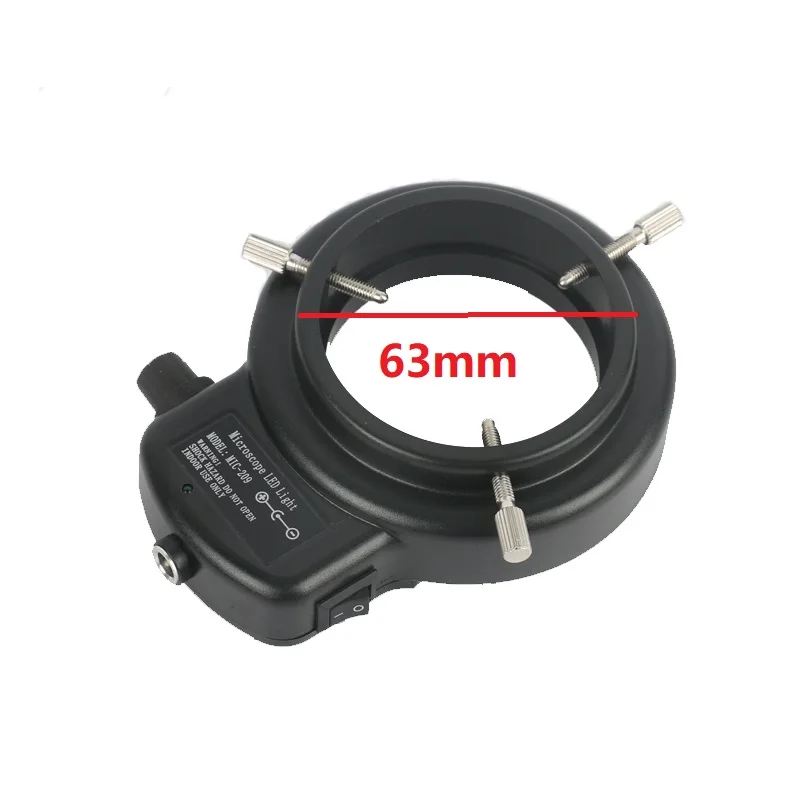
The brightness of 0-100%Adjustable,high brightness
Variable intensity control
Power input: 100-240V, 50-60HZ
Suit for the dia of the lens: 30mm-63mm
Package list:
1X Trinocular Stereo Zoom Head
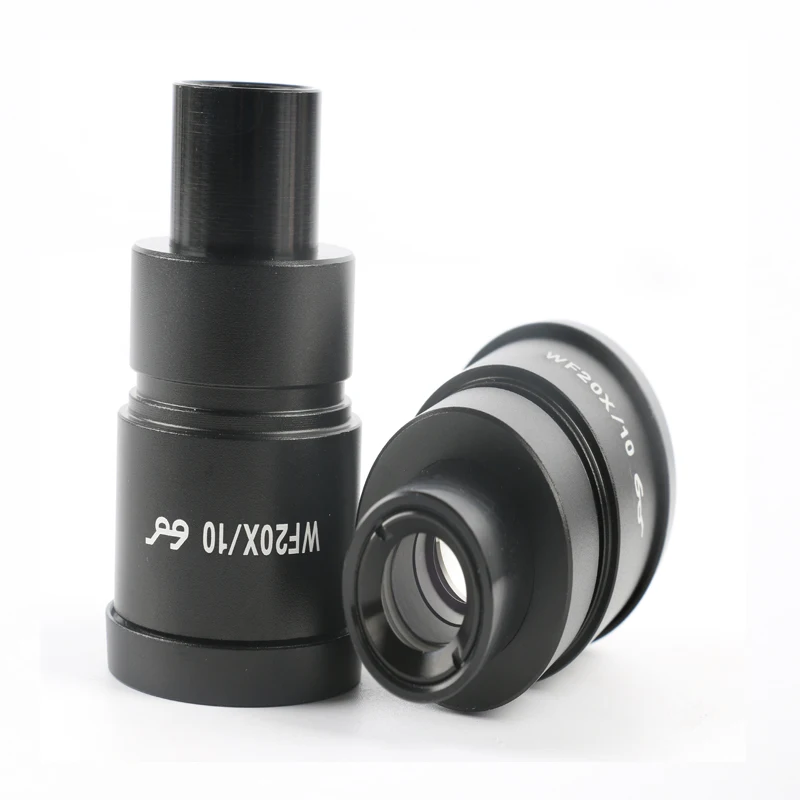
1X Pair of Super Widefield High-Eyepoint WF10X Eyepieces
1X Pair of Super Widefield High -Eyepoint WF10X Eyepieces
1X 0.5X auxiliary objective WD 165 mm
1X2.0X auxiliary objective WD 30 mm
1X Protection glass
1X Double-Arm Boom Stand
1X Focus Rack
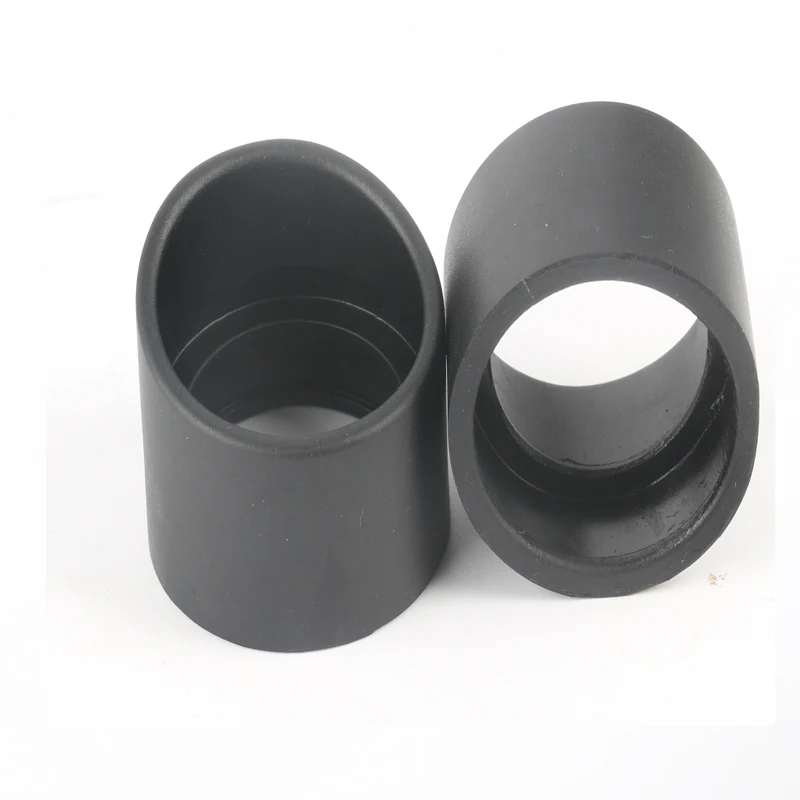
1X Pair of Eye-Guard
1X144PCS Led Light
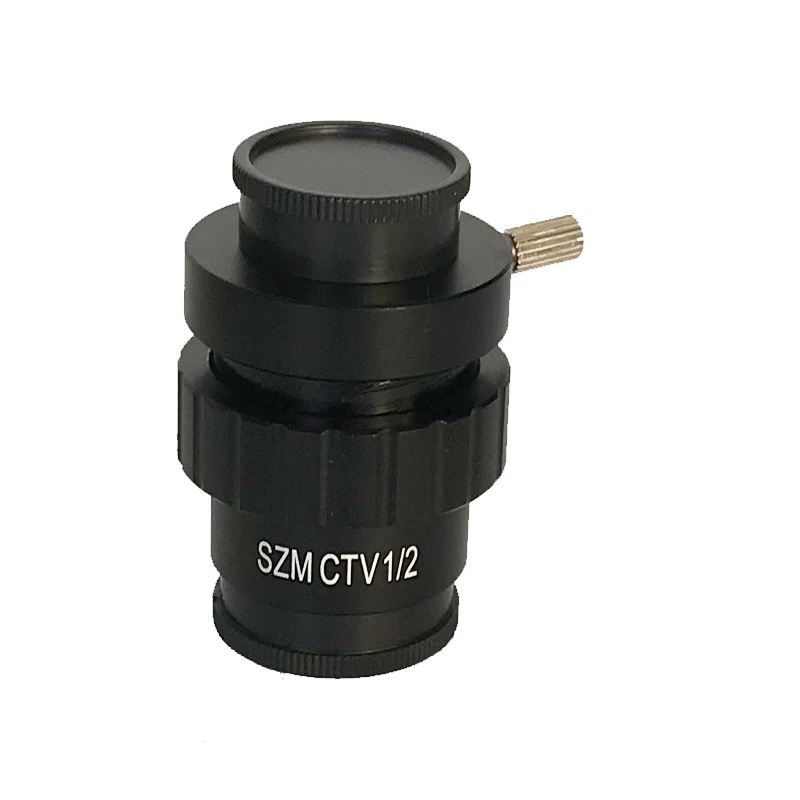
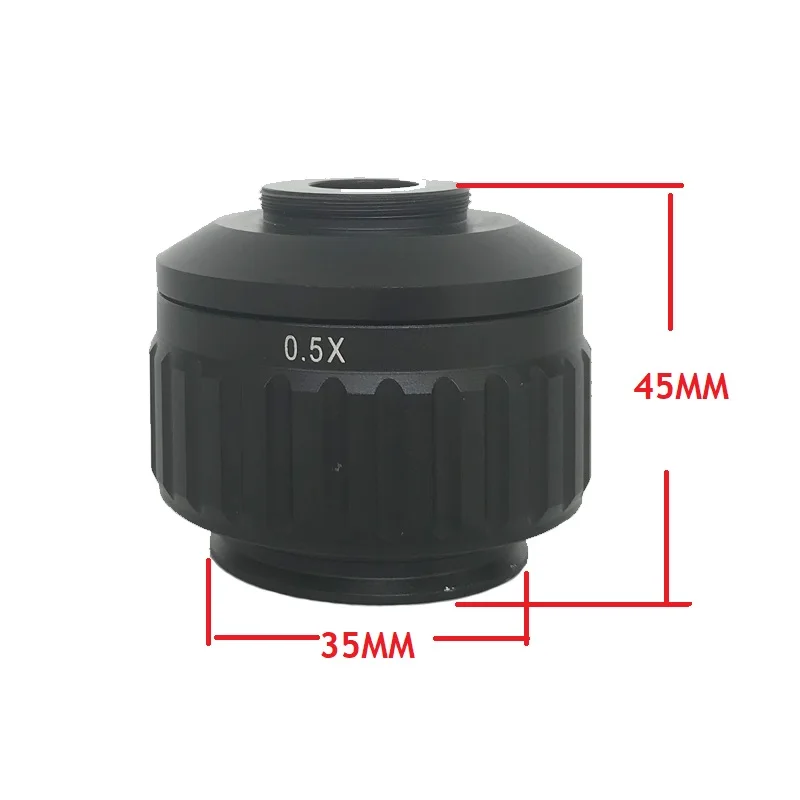
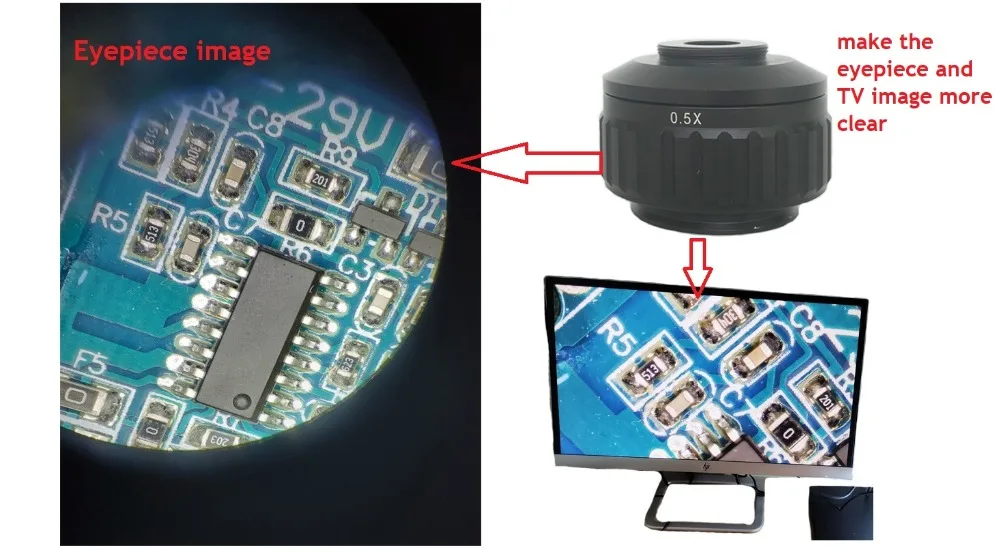
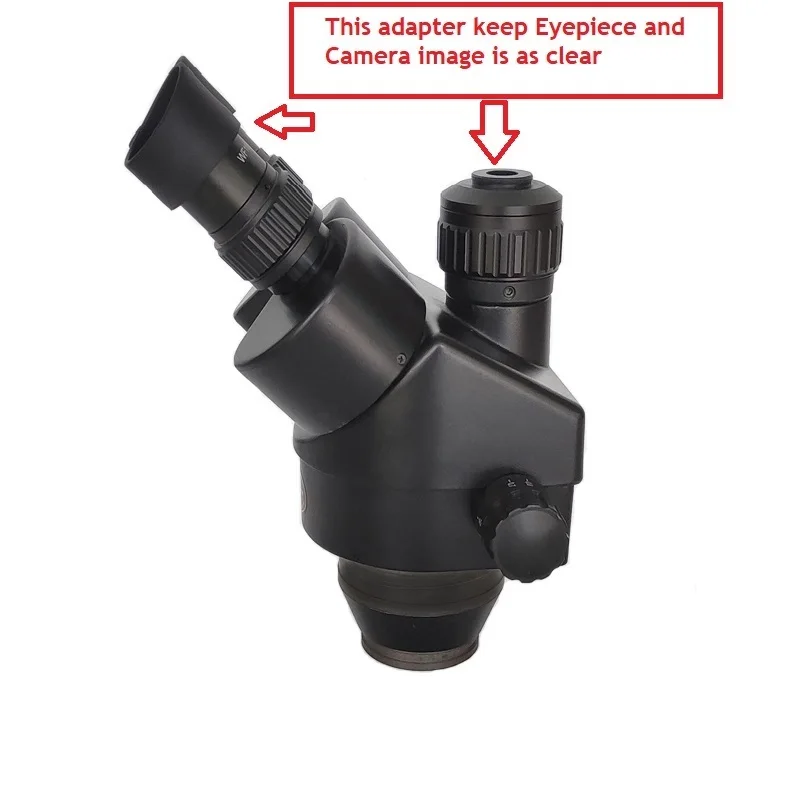
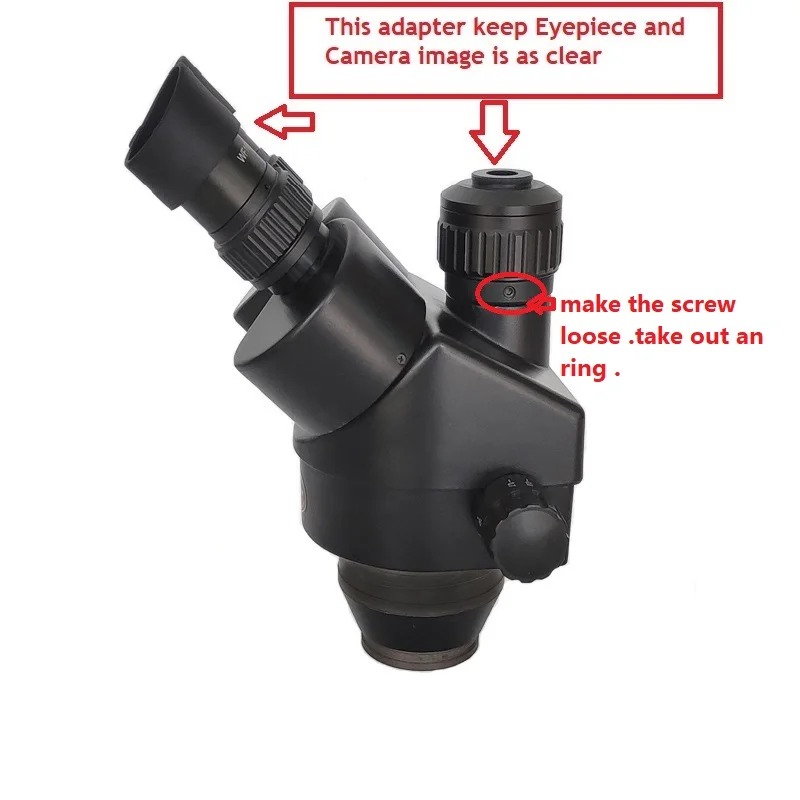
1X CTV1/2 Adapter
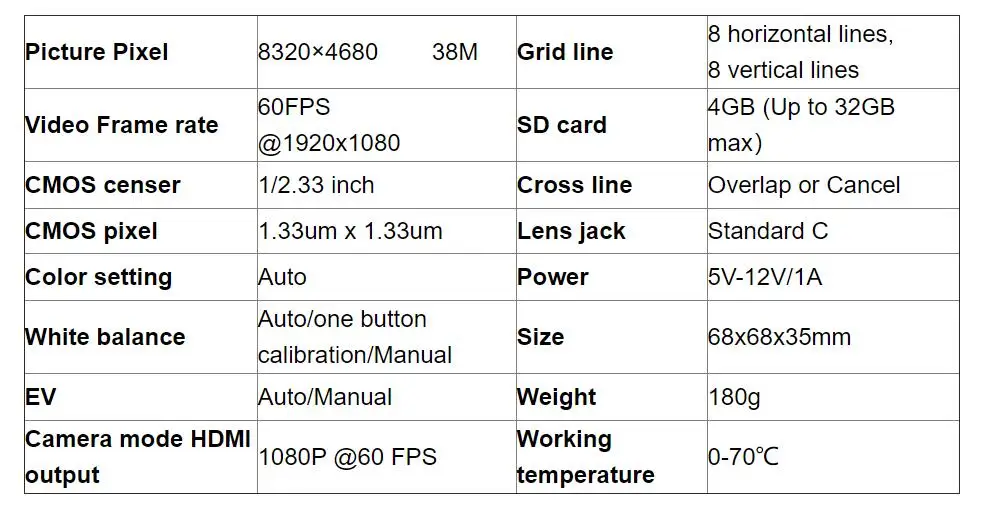
1X 38MP Camera (following up the option you selection)
1X HDMI -Compatible Cable
Logistics information
Our products are located in Hong Kong, China, and the logistics speed depends on your specific location. According to our experience, it usually takes about 15-20 days of transportation time
CONTACT US
RETURNS POLICY
Lorem ipsum dolor sit amet, consectetur adipiscing elit. Morbi ut blandit risus. Donec mollis nec tellus et rutrum. Orci varius natoque penatibus et magnis dis parturient montes, nascetur ridiculus mus. Ut consequat quam a purus faucibus scelerisque. Mauris ac dui ante. Pellentesque congue porttitor tempus. Donec sodales dapibus urna sed dictum. Duis congue posuere libero, a aliquam est porta quis.
Donec ullamcorper magna enim, vitae fermentum turpis elementum quis. Interdum et malesuada fames ac ante ipsum primis in faucibus.
Curabitur vel sem mi. Proin in lobortis ipsum. Aliquam rutrum tempor ex ac rutrum. Maecenas nunc nulla, placerat at eleifend in, viverra etos sem. Nam sagittis lacus metus, dignissim blandit magna euismod eget. Suspendisse a nisl lacus. Phasellus eget augue tincidunt, sollicitudin lectus sed, convallis desto. Pellentesque vitae dui lacinia, venenatis erat sit amet, fringilla felis. Nullam maximus nisi nec mi facilisis.
SHIPPING
Lorem ipsum dolor sit amet, consectetur adipiscing elit. Morbi ut blandit risus. Donec mollis nec tellus et rutrum. Orci varius natoque penatibus et magnis dis parturient montes, nascetur ridiculus mus. Ut consequat quam a purus faucibus scelerisque. Mauris ac dui ante. Pellentesque congue porttitor tempus. Donec sodales dapibus urna sed dictum. Duis congue posuere libero, a aliquam est porta quis.
Donec ullamcorper magna enim, vitae fermentum turpis elementum quis. Interdum et malesuada fames ac ante ipsum primis in faucibus.
Curabitur vel sem mi. Proin in lobortis ipsum. Aliquam rutrum tempor ex ac rutrum. Maecenas nunc nulla, placerat at eleifend in, viverra etos sem. Nam sagittis lacus metus, dignissim blandit magna euismod eget. Suspendisse a nisl lacus. Phasellus eget augue tincidunt, sollicitudin lectus sed, convallis desto. Pellentesque vitae dui lacinia, venenatis erat sit amet, fringilla felis. Nullam maximus nisi nec mi facilisis.

How to choose the correct size:
Step 1 Please measure your foot length carefully.

Step 2 Please choose the correct size according to your foot length and chinese size.
For example, If your foot length is 255 mm , you should choose the size 8.


